
Migrating Off FileMaker: Should You Move to SQL Server, .NET, or a Web Application?
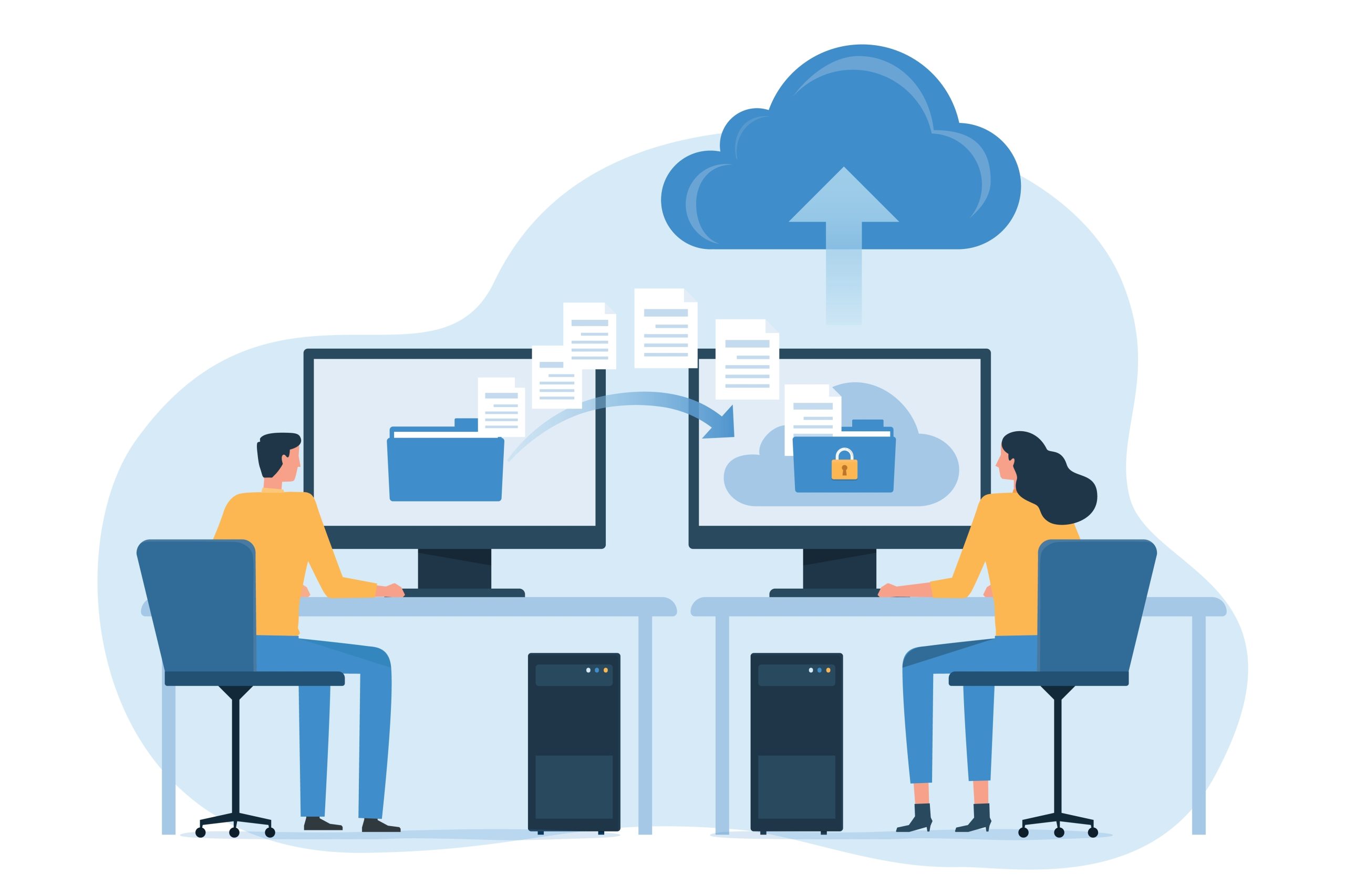
Why is migrating off FileMaker not an automatic conversion?
FileMaker can talk to SQL databases through ODBC, JDBC, and External SQL Source, the last introduced in FileMaker 91. Those are connectivity bridges, not a migration. A real move exports the data, redesigns the schema for a standard relational database, and rebuilds the layouts and scripts as application code.
Migration tools such as FmPro Migrator and Full Convert automate the data transfer over ODBC, but data types differ between FileMaker and the target and have to be remapped2, and the FileMaker ODBC driver carries quirks, including access to one database file at a time and DROP COLUMN passes that fail and have to re-run in reverse order3. The principle is the one Microsoft documented years ago for Access upsizing: the move requires real refactoring of structure and code, not a wizard click4.
When is SQL Server the right target?
SQL Server is the default when the business already runs on Microsoft and .NET. The data lands in SQL Server, the app gets rebuilt in C# .NET using Blazor, WPF, or a web front end against a .NET API, and reporting moves to SQL Server Reporting Services or a modern reporting tool.
This target wins when IT already supports a Microsoft stack and wants the new system to sit inside it, sharing authentication, backup, and monitoring with everything else the company runs. The migration becomes one more application on infrastructure the team already knows, rather than a new platform to learn.
When do PostgreSQL or MySQL make more sense?
Open-source databases fit teams that want to avoid per-core licensing or that run on Linux. PostgreSQL brings stored procedures, triggers, and replication for higher-capacity systems5, and the same class of migration tooling supports the FileMaker to PostgreSQL path2.
Pick this route when the cost model or the hosting environment points away from Microsoft licensing. A company already running web services on Linux, or one watching database licensing line items closely, often lands here. The application layer can still be .NET or a JavaScript front end. The database underneath is simply the open-source one.
When should you rebuild as a web or .NET application instead of just moving the database?
Sometimes the database is the easy part. If users need browser or mobile access, if the workflow has outgrown FileMaker's layout model, or if the app has to serve people outside the office, the right move is rebuilding the application layer, not only the data.
A web app on a .NET or modern JavaScript front end, backed by SQL Server or PostgreSQL, replaces the FileMaker Pro and FileMaker Go clients with a browser. Nobody installs anything. Access control, updates, and integrations live on the server, which is where a growing business usually wants them. For buyers weighing whether the spend is justified at all, the companion piece covers the cost and lock-in case for leaving FileMaker.
What breaks when you migrate, and how is it handled?
Four parts of a FileMaker app behave differently on the target. Naming them up front is what keeps a migration on a predictable schedule.
Data types
FileMaker types do not map one to one onto SQL types. Each gets remapped during transfer so the target schema is clean, not a literal copy.
Container fields
Images and files stored in FileMaker containers move to the target as binary or large-object columns, or to referenced file storage, handled by volume.
Scripts and calculations
FileMaker script steps and calculation fields are business logic. They get rewritten in the application language, not auto-translated.
Layouts are the fourth part. FileMaker layouts are rebuilt as forms or web pages that match the workflow, not the pixel layout of the original. Where a user community depends on a familiar screen, visual parity becomes a goal. Where the layout was a 2008 workaround, the rebuild is a chance to fix it.
Already decided to leave FileMaker?
A 20-minute call. PCG asks about your tables, scripts, and integrations, then tells you which target fits.
How does PCG choose the target on a real project?
PCG runs a discovery phase before naming a target. The team reads the FileMaker file and inventories the tables, scripts, calculations, layouts, and external connections, then picks the database and application stack that fit the business and quotes a fixed scope.
The target is an outcome of discovery, not a guess made before reading the app. That sequence is what separates a migration from a second migration. Choose SQL Server for a Microsoft shop because it sounded safe, then discover the workflow needed a public web portal, and the project pays twice. The companion legacy work on the same principle is documented in PCG's Visual FoxPro migration guide, and the broader service is conversion, migration, and integration.
Pick the target before discovery
- Target chosen on familiarity, not on the app
- Workflow needs surface after the build starts
- Reporting or integration gaps found late
- A second migration two years later
Pick the target after discovery
- File read, logic and integrations inventoried first
- Database and stack chosen to fit the actual workflow
- Fixed scope and timeline quoted on real numbers
- One migration, built once
31 years of running custom software projects points to a single rule on target selection. The wrong target does not announce itself during the demo. It announces itself two years later, when the workflow the discovery phase never examined turns out to need the one thing the chosen stack cannot do cheaply.
Map your FileMaker app to the right target
PCG runs a fixed-fee discovery that reads your app and recommends the target with a fixed scope.
Frequently Asked Questions
1 Claris; O'Reilly, FileMaker 9 Developer Reference. FileMaker connects to external SQL data through ODBC, JDBC, and External SQL Source (ESS), introduced in FileMaker 9. oreilly.com
2 Spectral Core, Full Convert (FileMaker to SQL Server); .com Solutions, FmPro Migrator (FileMaker to SQL Server, PostgreSQL, and others). Data-type differences are remapped during transfer. fullconvert.com; fmpromigrator.com
3 .com Solutions, FmPro Migrator FileMaker to SQL Server migration documentation. FileMaker ODBC driver accesses one database file at a time, and DROP COLUMN commands may require a second reverse-order pass. fmpromigrator.com
4 Microsoft; Wikipedia, Upsizing (database). Database upsizing requires refactoring of the database structure and source code, not only a data copy. en.wikipedia.org/wiki/Upsizing_(database)
5 PostgreSQL Global Development Group. PostgreSQL provides stored procedures, triggers, and replication for higher-capacity systems. postgresql.org