

Does one person hold a spreadsheet your business cannot lose?
A 20-minute call. PCG asks what the spreadsheet does and who understands it, then explains how to move that knowledge into a system.
How does a personal spreadsheet become business infrastructure?
Almost no one sets out to run a department on a spreadsheet. It happens one helpful addition at a time. An analyst builds a tracker to make their own job easier. A manager asks for a tab. A second team starts sending their numbers to the same file. Two years later, the quarterly forecast, the commission run, or the production schedule depends on a workbook that grew in the dark.
By then it is infrastructure, but it was never designed as infrastructure. There is no documentation, because it was never a project. There is one author, because it was never meant to be shared. And there is a quiet assumption that the person who built it will always be around to keep it running.
How risky are the spreadsheets businesses already rely on?
More than most owners would guess, and the research on this is unusually consistent. The European Spreadsheet Risks Interest Group reports that the majority, more than 90 percent, of spreadsheets contain errors1. Field audits of real business spreadsheets have found errors across a wide span of the files examined, with the more rigorous studies landing at the higher end2.
The harder problem is psychological. People are confident in spreadsheets precisely because they do not go looking for mistakes. In controlled studies, developers estimated they had a 10 to 18 percent chance of an error, while 86 percent of them had actually made one3. The errors are not loud. They sit in a single cell, feed a total, and produce a number that looks reasonable enough to act on. A business-critical spreadsheet owned by one person is the place this risk concentrates, because no second set of eyes ever checks it.
What is the key-person risk, specifically?
Key-person risk is the exposure a business carries when one individual is the only one who understands how something essential works. With a spreadsheet, it shows up in a precise way. One person knows why column M subtracts a value that looks like it should be added. One person remembers the manual step every Friday that keeps the totals honest. One person can tell whether a strange result is a real signal or a known quirk.
While that person is at their desk, none of this looks like a problem. The spreadsheet works. The risk is invisible right up until the moment it is not, which tends to be a resignation, a long illness, a retirement, or a Tuesday when they are simply unreachable and a number is due. This is the spreadsheet version of a problem PCG sees across technologies, described in the IT key-man risk.
Why doesn't "just have someone else learn it" work?
It sounds like the obvious fix, and it rarely holds. The formulas are visible, but the formulas are not the knowledge. The knowledge is the unwritten context: why a rule exists, which inputs are trusted, what the owner quietly corrects before anyone sees the output, and which tabs are live versus abandoned.
A successor inherits the cells without the reasoning. They can keep the spreadsheet running on a good day, and they are lost the first time it behaves strangely, because the person who knew what strange meant is gone. Handing the file over is not the same as handing over the understanding, and the understanding was never written down.
What does moving off the personal spreadsheet look like?
The goal is to move the knowledge out of one head and into a system the whole team can rely on. The order matters, and the first step is the one that expires.
- Capture the owner's knowledge while they are here. Document the rules, the manual steps, and the exceptions, working with the person who knows them before that window closes.
- Turn the rules into a real design. The logic that lived in cells becomes enforced rules in a database, so it runs the same way every time.
- Rebuild it as a multi-user system. Validation at entry, a recorded history of changes, and access for more than one person, so the work no longer routes through a single desk.
- Keep the data with the business. The records belong to the business and move into a database the business controls, with backups and history, instead of a file on one laptop.
The data stays the business's own throughout. What changes is that the rules and the history stop being one person's private memory and become part of a system anyone authorized can run. The operational side of that change, from the point of view of the people doing the daily work, is covered in what changes when a spreadsheet moves to SQL Server.
What happens if you wait until the person leaves?
The spreadsheet keeps working after they go, which is exactly what makes waiting feel safe. Nothing breaks on the last day. The cost arrives later, when a number looks wrong and no one can explain the formula, or when a new requirement needs a change nobody dares to make.
At that point the job is reconstruction with the author gone, which is the same predicament as rebuilding software when the original developer has vanished, only now it is the spreadsheet the business runs on. PCG handles that version too, described in what to do when your developer disappears. It is solvable either way. It is simply cheaper, faster, and safer while the person who built it can still answer the phone.
Capture the knowledge before it walks out the door
PCG runs a fixed-fee discovery that documents how the spreadsheet works and quotes a path to a multi-user system with a fixed scope.
Frequently Asked Questions
1 European Spreadsheet Risks Interest Group (EuSpRIG), Research and Best Practice. The majority, more than 90 percent, of spreadsheets contain errors. eusprig.org
2 R. Panko, University of Hawaii, research on spreadsheet errors, summarized via EuSpRIG. Field audits of operational spreadsheets report error rates across a wide range of the files examined, with more rigorous methodologies at the higher end. eusprig.org; panko.shidler.hawaii.edu
3 R. Panko, spreadsheet error and overconfidence research. Developers estimated a 10 to 18 percent chance of error, while 86 percent of participants had made at least one. eusprig.org; panko.shidler.hawaii.edu
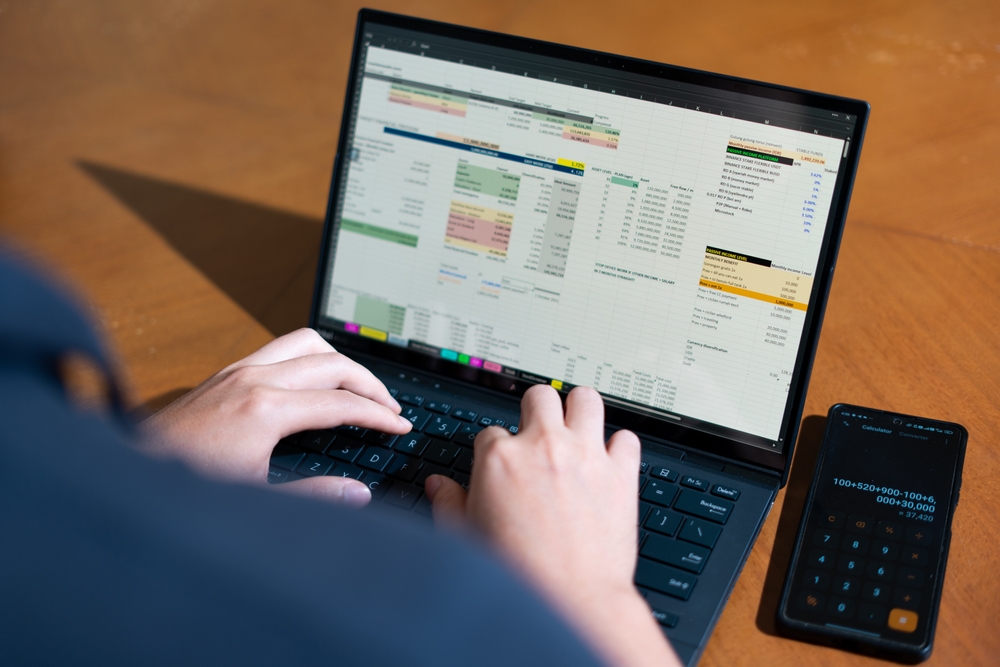
Why does a spreadsheet stop working as the team grows?
A spreadsheet is excellent for one person doing analysis. It starts to fail the moment a group depends on it at the same time. Three limits show up first.
An Excel worksheet holds 1,048,576 rows and no more, and that ceiling is built into the file format rather than a setting you can raise1. Worse than hitting it is what happens quietly: when a file carries more than that, Excel drops every row above the limit without keeping a permanent record of what was lost2. Then there is the file itself. Desktop Excel does not support real simultaneous multi-user editing, so a shared file gets locked by whoever opened it first, or it gets copied, and now there are three versions and no single truth3. And Excel has no database-style guardrails: no enforced relationships between tables, no rule that a value must exist before another can reference it, and no built-in history of who changed what3.
What actually changes for the people entering data?
This is where the day-to-day improves most, and it is the part a demo rarely shows well. In a spreadsheet, the rules live in people's heads. The new hire does not know that column F must be a date, or that you never type in the gray cells. In a database-backed system, those rules live in the system.
A date field only accepts a date. A required field cannot be left blank. A dropdown offers the five valid options instead of inviting eleven spellings of the same one. Two people can both be entering records at the same moment, and neither overwrites the other, because the database is handling concurrency instead of a file lock. The question "who has it open right now" disappears, because the answer is everyone, all the time.
What changes for the people pulling reports?
Spreadsheet reports break in a particular, familiar way. Someone inserts a row above the range a formula points to, and the total is silently wrong for a month before anyone notices.
When the data lives in SQL Server, a report asks the database a question and gets the current answer, so it does not depend on cell positions holding still. Reports refresh on demand against live records. People can be given views that match their role, so the warehouse lead sees stock and the finance lead sees margins, from the same data, without four copies floating around in email. The output can still arrive as an Excel file or a PDF if that is what the recipient expects. What changes is that nobody is rebuilding it by hand every Monday.
What changes for the person who "owns" the spreadsheet?
Most business-critical spreadsheets have an unofficial owner, the one person who understands the formulas and gets the call when something looks off. After the move, that role changes from gatekeeper to user. The logic that lived in their head and their cells now lives in the system, where the rest of the team can rely on it without routing every question through one desk.
That shift is worth an article of its own, because the risk of a single person owning the system the business runs on is real. For now, the operational point is simple. The bottleneck stops being a person.
Does the spreadsheet go away completely?
Not necessarily, and that surprises people. Excel is a strong tool for analysis and ad-hoc questions, and it stays useful for exactly that. What changes is its job. Instead of being the place the records live, it becomes one of the windows into records that live in the database. Excel can connect to SQL Server and pull live figures whenever an analyst wants to slice them.
The important line is about the data. The records the business depends on belong to the business, and after the migration they sit in a database the business controls, with backups and history, rather than in a single file on one laptop. The data does not move to a place you cannot reach. It moves to a place built to protect it. For the wider version of this problem across a company, see the hidden cost of data silos.
Spreadsheet outgrowing the team that depends on it?
A 20-minute call. PCG asks how the spreadsheet is used and who depends on it, then explains what moving it to SQL Server would change.
What does the migration look like operationally?
The work starts by watching the spreadsheet do its job, not by exporting it. PCG documents how it is actually used, which columns matter, which rules are real, and which tabs are abandoned experiments. That reading becomes the design for the database underneath.
From there the pattern is steady. Design the database around the real workflow, build the screens and reports people will use, then run the new system in parallel with the spreadsheet against the same data until the numbers match and the team trusts it. Only then does the spreadsheet step back. The scope and timeline come out of that first reading, not from a guess made before it. The same logic, applied to a desktop database instead of a spreadsheet, is covered in moving Access to SQL Server, and the cost case for leaving the spreadsheet behind is in the spreadsheet trap.
Map your spreadsheet before it breaks at the worst time
PCG runs a fixed-fee discovery that reads how the spreadsheet is used and quotes a migration path with a fixed scope.
Frequently Asked Questions
1 Microsoft. Excel specifications and limits. A worksheet holds a maximum of 1,048,576 rows by 16,384 columns, fixed by the file format. support.microsoft.com
2 Microsoft Excel specifications and OOXML format references. When a file exceeds 1,048,576 rows, Excel loads only the first 1,048,576 and does not keep a permanent record of the rows dropped. support.microsoft.com
3 Microsoft Excel documentation and database design references. Desktop Excel does not provide true simultaneous multi-user editing, relational integrity constraints, or a built-in change history, which standard databases such as SQL Server do. support.microsoft.com